Add Your Team
Want to add employees?
Goal: Get your multilingual site running locally in 10 minutes.
Welcome! Let’s get your site running and customized in about 10 minutes.
Clone the repository
# Free starter theme (public repository)git clone https://github.com/vincentheimann/astro-swiss-free-starter-theme.gitcd astro-swiss-free-starter-themeInstall dependencies
npm installStart the dev server
npm run dev✅ Success! Open http://localhost:4321 in your browser. You should see:
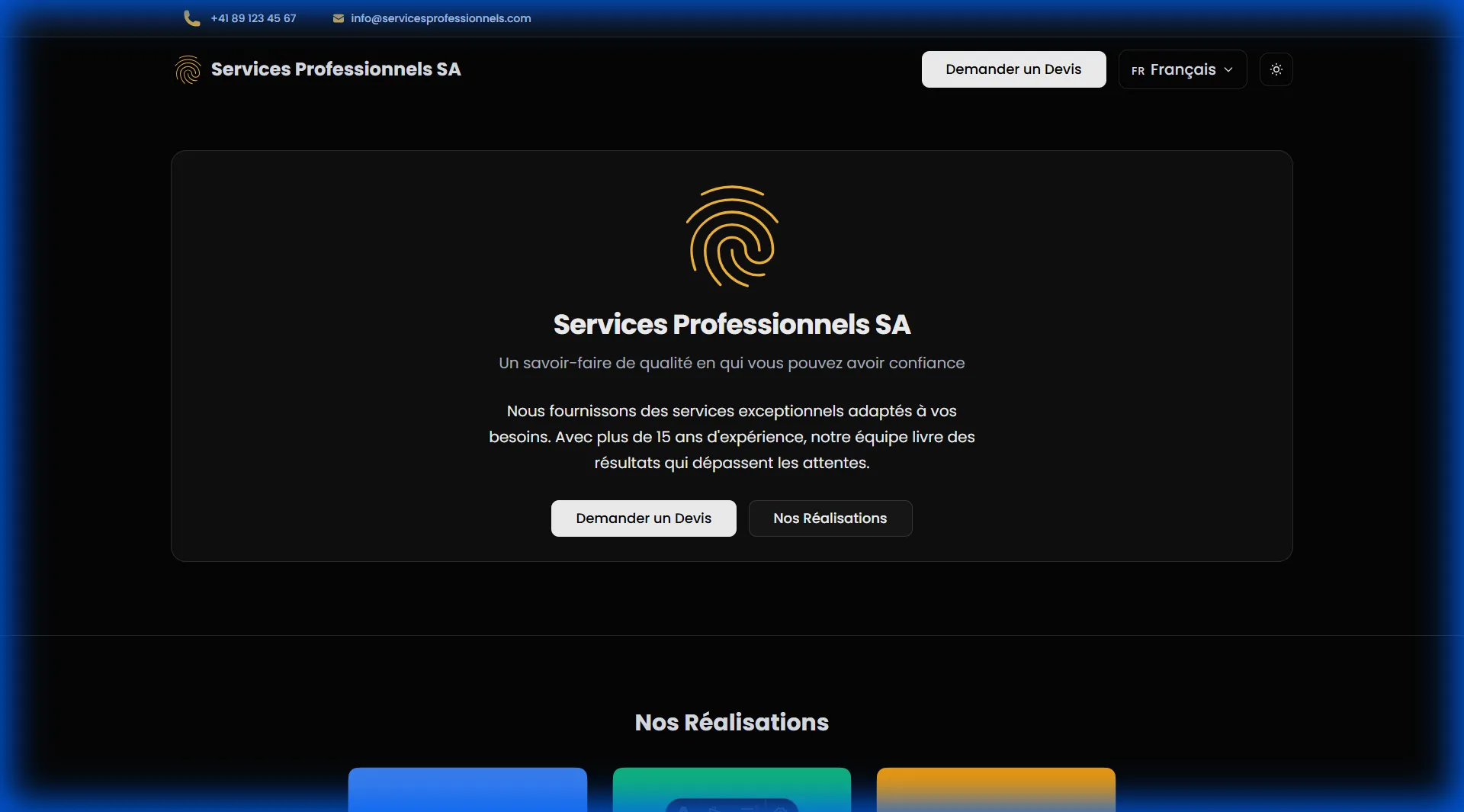
Open src/consts.ts and update:
export const COMPANY: CompanyInfo = { name: "Your Company Name", // ← Change this address: "Your Street Address", // ← And this city: "CH-1000 Your City", // ← And this phone: "+41 XX XXX XX XX", // ← Your phone email: "contact@yourcompany.com", // ← Your email // ... rest stays the same for now};Save and watch your browser update instantly! ⚡
Open src/styles/tokens.css and update the accent color:
:root { --accent: #3b82f6; /* Change to your brand color */}Try it! The theme will update immediately with your brand color.
Open src/i18n/ui.ts and find the fr: section (French):
fr: { 'business.name': 'Your Company Name', 'business.tagline': 'Your tagline here', 'site.title': 'Your Site Title', 'site.description': 'Your site description for SEO', // ... more below}Do the same for the de: section (German) if you’re using both languages.
You now have a multilingual website with:
Add Your Team
Want to add employees?
Add Your Work
Want to showcase projects?
Customize Design
Want to change colors, fonts, or styling?
Add More Languages
Want to support more languages?
Deploy Your Site
Ready to go live?
Need Help?
Questions or issues?