Configuration
Learn more about configuration options.
Learn how to add team members, portfolio projects, and manage your site’s content.
Employees are displayed in the Team Section using the EmployeeSection.astro component.
File: src/consts.ts
Add a new employee entry to the EMPLOYEES object:
export const EMPLOYEES: Record<string, EmployeeInfo> = {    // ... existing employees ...
// Add your new employee ABC: { // Use a 3-letter trigram (e.g., initials) id: "ABC", name: "Anna Brown Carter", portrait: "/images/employees/anna-brown.jpg", // Optional email: "anna.brown@yourcompany.com", phone: "+41 89 123 45 70", socials: { linkedin: "https://www.linkedin.com/in/annabrown/", facebook: "", // Leave empty if not used instagram: "", twitter: "", github: "https://github.com/annabrown/", }, },};File: src/i18n/ui.ts
Add translations for the employee’s title and bio in all languages:
export const ui = {    fr: {        // ... existing translations ...
        // Add employee translations (French)        'employee.ABC.title': 'Directrice Marketing',        'employee.ABC.bio': 'Anna dirige notre stratégie marketing avec créativité et innovation.',    },    de: {        // ... existing translations ...
        // Add employee translations (German)        'employee.ABC.title': 'Marketing Direktorin',        'employee.ABC.bio': 'Anna leitet unsere Marketingstrategie mit Kreativität und Innovation.',    },    en: {        // ... existing translations ...
        // Add employee translations (English)        'employee.ABC.title': 'Marketing Director',        'employee.ABC.bio': 'Anna leads our marketing strategy with creativity and innovation.',    },} as const;
Translation Keys Format:
employee.{ID}.titleemployee.{ID}.bioIf you have a portrait image:
public/images/employees/consts.ts as shown aboveIf you leave the portrait field empty, the component will automatically generate an avatar using the employee’s name.
Portfolio projects are displayed in the Portfolio Section with an interactive carousel and lightbox.
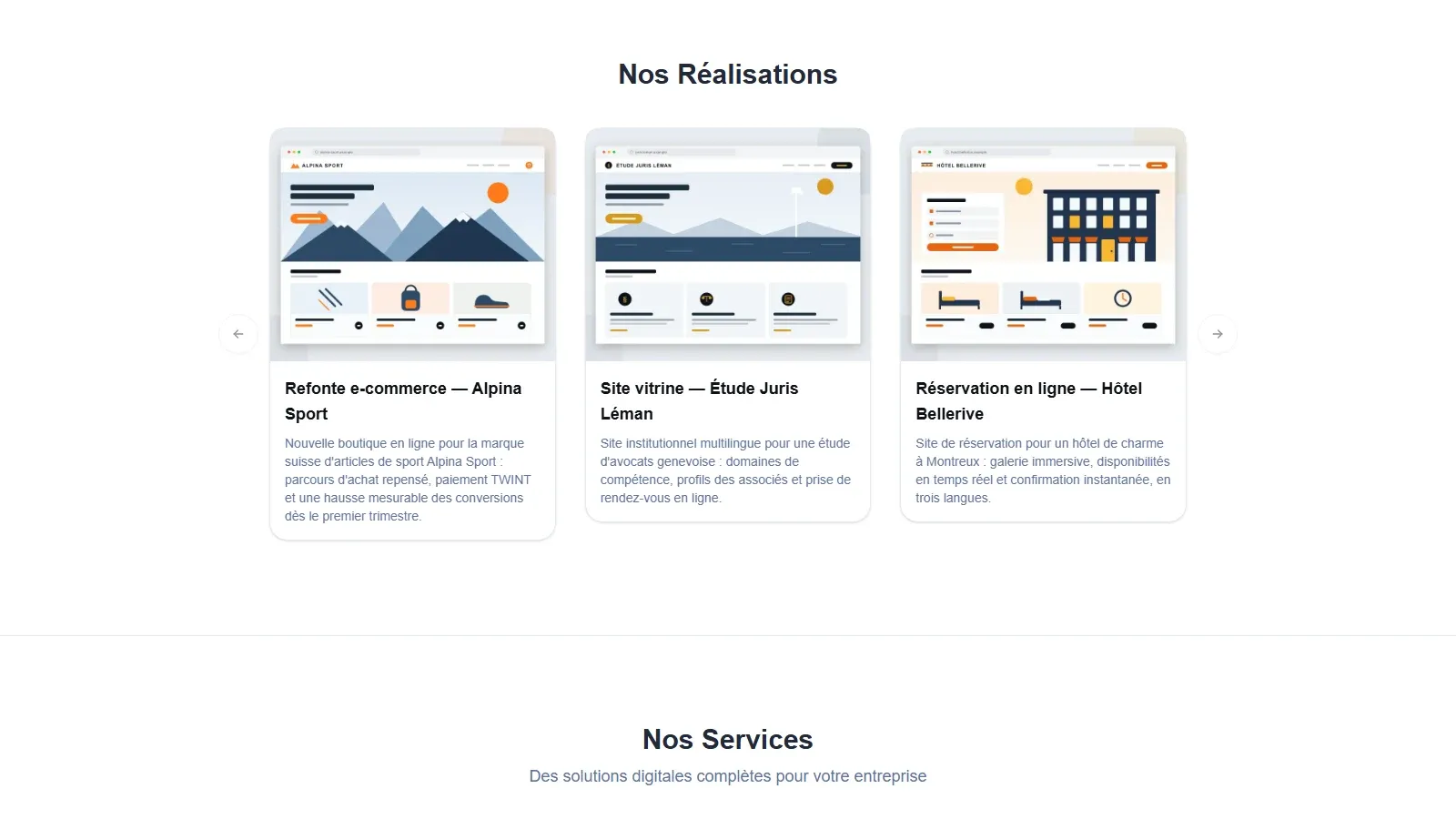
Option A: Use a local image
src/assets/portfolio/Option B: Use an external URL
File: src/data/portfolio/fr.ts
import { nanoid } from "nanoid";import type { ImageMetadata } from "astro";
// If using local image, import it:import myProjectImage from "../../assets/portfolio/my-project.jpg";
export const portfolioFr: PortfolioProject[] = [    // ... existing projects ...
    // Add your new project    {        id: nanoid(),  // Auto-generates unique ID        title: "Mon Nouveau Projet",        description: "Description détaillée du projet en français.\n\nVous pouvez utiliser plusieurs lignes.",        image: myProjectImage,  // Use imported image        // OR use external URL:        // image: "https://example.com/image.jpg",
// Optional: Call-to-action buttons primaryCtaText: "Voir le projet →", primaryCtaLink: "https://example.com/project", secondaryCtaText: "En savoir plus", secondaryCtaLink: "https://example.com/about", },];File: src/data/portfolio/de.ts
Add the same project with German translations:
import { nanoid } from "nanoid";import myProjectImage from "../../assets/portfolio/my-project.jpg";
export const portfolioDe: PortfolioProject[] = [    // ... existing projects ...
    {        id: nanoid(),  // Different ID is OK        title: "Mein Neues Projekt",        description: "Detaillierte Projektbeschreibung auf Deutsch.\n\nSie können mehrere Zeilen verwenden.",        image: myProjectImage,  // Same image        primaryCtaText: "Projekt ansehen →",        primaryCtaLink: "https://example.com/project",        secondaryCtaText: "Mehr erfahren",        secondaryCtaLink: "https://example.com/about",    },];
Repeat for English (src/data/portfolio/en.ts) with English translations.
| Property | Required | Description |
|---|---|---|
id |
✅ Yes | Unique identifier (use nanoid()) |
title |
✅ Yes | Project title |
description |
✅ Yes | Project description (supports multi-line with \n) |
image |
✅ Yes | Imported image/video or URL string (supports MP4, WebM, MOV, OGG) |
primaryCtaText |
❌ No | Text for primary button |
primaryCtaLink |
❌ No | URL for primary button |
secondaryCtaText |
❌ No | Text for secondary button |
secondaryCtaLink |
❌ No | URL for secondary button |
The portfolio section supports both images and videos, providing a richer showcase for your projects. Videos are detected automatically and displayed with enhanced UX features.
The portfolio component supports the following video formats (case-insensitive):
.mp4) - Recommended for best compatibility.webm) - Good for web optimization.mov) - Apple QuickTime format.ogg) - Open format supportAdding a video works exactly like adding an image project. The component automatically detects video files and handles them appropriately.
Add your video to src/assets/portfolio/
src/assets/portfolio/├── my-project.jpg└── my-demo-video.mp4 ← Add your video hereImport and use in src/data/portfolio/fr.ts:
import { nanoid } from "nanoid";import myDemoVideo from "../../assets/portfolio/my-demo-video.mp4";
export const portfolioFr: PortfolioProject[] = [    // ... existing projects ...
    {        id: nanoid(),        title: "Démonstration Vidéo",        description: "Une présentation vidéo de notre projet.",        image: myDemoVideo,  // Use video file just like an image    },];
Add the same project to other language files with translated text
{ id: nanoid(), title: "Projet Vidéo Externe", description: "Vidéo hébergée sur un CDN ou service externe.", image: "https://example.com/videos/my-video.mp4", // External URL}Videos in the portfolio have enhanced UX features:
#t=0.1 timestampmax-w-[90vw], max-h-[80vh])✅ Do:
❌ Don’t:
After adding a video, verify the following:
Carousel Display
Lightbox Playback
Mixed Content Navigation
Cleanup
Mobile Testing
Video content maintains full accessibility:
<video> element with fallback textCompany information is centralized in src/consts.ts.
export const COMPANY: CompanyInfo = { name: "Your Company Name", address: "Your Street Address", pobox: "P.O. Box 123", // Leave empty if not used city: "CH-1000 Your City", phone: "+41 XX XXX XX XX", email: "contact@yourcompany.com", mapsUrl: "https://maps.google.com/?q=Your+Address", socials: { linkedin: "https://www.linkedin.com/company/yourcompany/", facebook: "https://facebook.com/yourcompany", instagram: "https://instagram.com/yourcompany", twitter: "https://twitter.com/yourcompany", github: "https://github.com/yourcompany", },};File: src/i18n/ui.ts
Update translatable company information:
export const ui = { fr: { 'business.name': 'Votre Entreprise', 'business.tagline': 'Votre slogan ici', 'business.description': 'Description de votre entreprise...', // ... more translations }, de: { 'business.name': 'Ihr Unternehmen', 'business.tagline': 'Ihr Slogan hier', 'business.description': 'Beschreibung Ihres Unternehmens...', // ... more translations },};✅ Do:
❌ Don’t:
✅ Do:
nanoid() for unique IDs❌ Don’t:
✅ Do:
❌ Don’t:
EMPLOYEES in src/consts.tssrc/i18n/ui.ts (all languages)public/images/employees/src/assets/portfolio/ (if local)src/data/portfolio/fr.tsportfolioFr arraysrc/data/portfolio/de.ts (and other languages)COMPANY object in src/consts.tssrc/i18n/ui.tsConfiguration
Learn more about configuration options.
Customization
Customize components and add new pages.
Add Languages
Add support for more languages.